
Form widget · Open source
BlockCraft
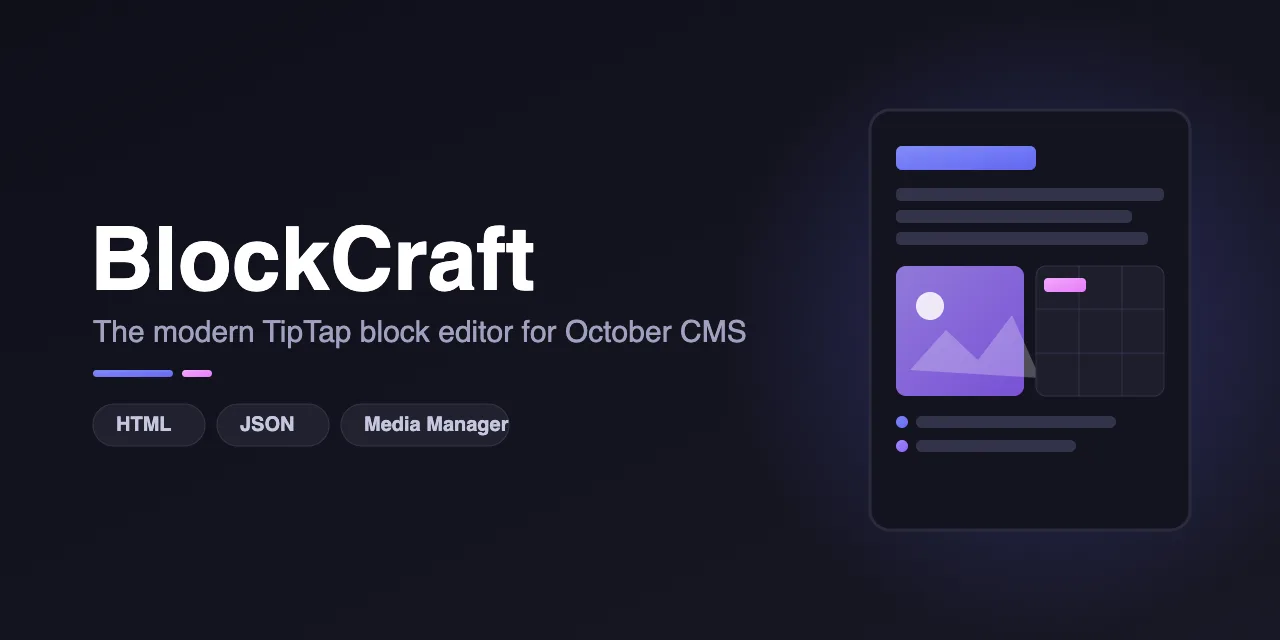
The modern TipTap block editor & document builder for October CMS.
Overview
What BlockCraft does
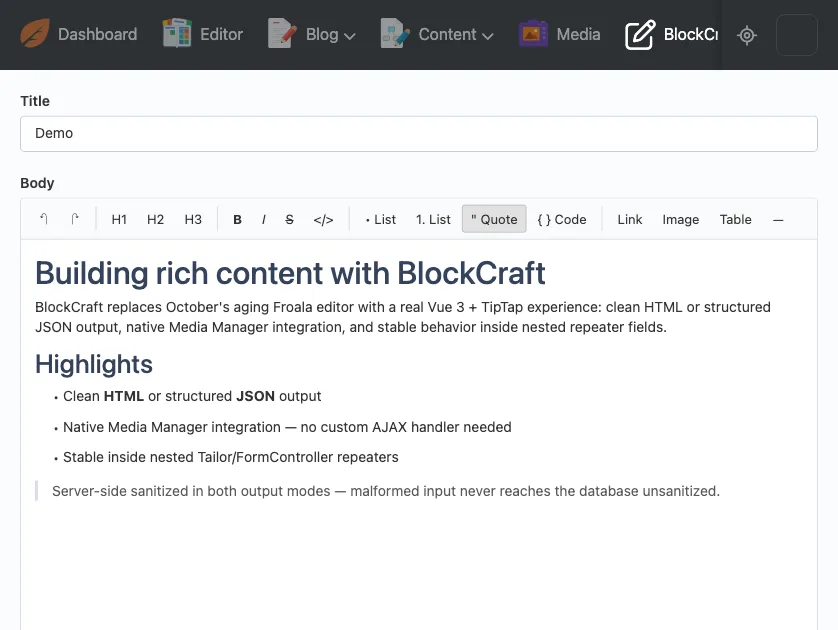
A drop-in replacement for October's Froala rich editor: a Vue 3 + TipTap block editor that saves clean HTML or structured JSON, and stays stable inside Tailor repeaters.
- Clean HTML or structured TipTap JSON output, chosen per field
- Opens October's own Media Manager for images, with no extra setup
- Server-side sanitization in both modes, independent of the browser
- Stable inside Tailor and FormController repeaters, with no leaked editors
- Toolbar buttons, height and read-only mode set from fields.yaml
- Ships pre-built: no build step to install
Requirements
- October CMS 4.2+
- PHP 8.2+
Installation
Install from the October CMS Marketplace, or with Composer. It installs to plugins/amjadiqbal/blockcraft. No build step is needed: the compiled editor ships in assets/dist/. If you upload the plugin by FTP or zip, make sure that folder comes with it.
composer require amjadiqbal/blockcraft-pluginUsage
Use the blockcraft field type in any fields.yaml.
body:
    label: Body
    type: blockcraft
    outputFormat: html   # or 'json' for a structured TipTap document
    height: 400px
Field options
- outputFormat (html | json, default html): the stored shape of the value. json stores the TipTap document ({type: "doc", content: [...]}), useful when your frontend renders content itself.
- height (default 400px): the CSS height of the editing area.
- buttons (default: the full toolbar): limit which toolbar buttons are shown.
- readOnly (default false): shows the content without editing.
Media Manager
The toolbar's Image button opens October's own Media Manager when the backend user has media.library access. No extra setup and no custom AJAX handler. Selected images can be aligned left, center or right.
Sanitization
- html mode: any tag or attribute outside an allow-list is removed, javascript: and data: URIs are stripped, and target="_blank" links get rel="noopener noreferrer".
- json mode: the value must be a well-formed TipTap document; unknown node, mark and attribute types are dropped.
- Both run on the server, independent of the browser. Malformed input becomes a safe empty value and never reaches the database unsanitized.
Repeaters
Editors added inside a repeater row ("Add Item") are mounted after every backend AJAX request, and an editor whose row is deleted is destroyed, so editors never leak as rows come and go.
Support
Report bugs and request features on GitHub Issues, or get in touch for custom work.
Custom October CMS development
Need BlockCraft customised, or a plugin of your own?
Custom plugins, backend form widgets and Tailor setups, built and tested on a real October install. Tell me what you need and get a plan and a quote, free.